Boost your productivity by using text-to-speech reader to have your emails read aloud, enabling you to stay informed and efficient.
In this killing pace century, staying productive is crucial for success. With the advancement of technology, we are bombarded with numerous emails on a daily basis. This can be overwhelming and time-consuming, leading to a decrease in productivity. However, there is a solution to this problem – text-to-speech reader.
Your Computer’s Perfect Companion: Text-to-Speech Reader
Text-to-speech reader serves as your computer’s ideal companion, making written content more accessible and enjoyable.
This includes emails, documents, articles, and even web pages. This way, you can stay updated with your emails without wasting precious time. Furthermore, the program can also improve your reading comprehension. By listening to the text, you can better understand the content and retain information more effectively. This can be particularly helpful for lengthy emails that require your full attention. Moreover, text-to-speech reader has a range of features that can make managing your emails easier. This allows you to find the perfect setting that suits your preferences.
Additionally, some TTS-Software also have the ability to highlight the text as it is being read. This can be helpful when going through important information such as dates, numbers, or key points. It makes it easier to follow along and take note of important details. Text-to-speech reader is also beneficial for those with visual impairments or reading difficulties. It enables them to access written information without having to strain their eyes or struggle with reading. This can greatly improve their productivity and make daily tasks, like checking emails, much more manageable. This text to speech reader is a valuable tool for anyone looking to stay productive and organized when it comes to managing their emails. With its various features and benefits, it is a must-have for your computer. So why not give it a try and experience the convenience and efficiency for yourself?
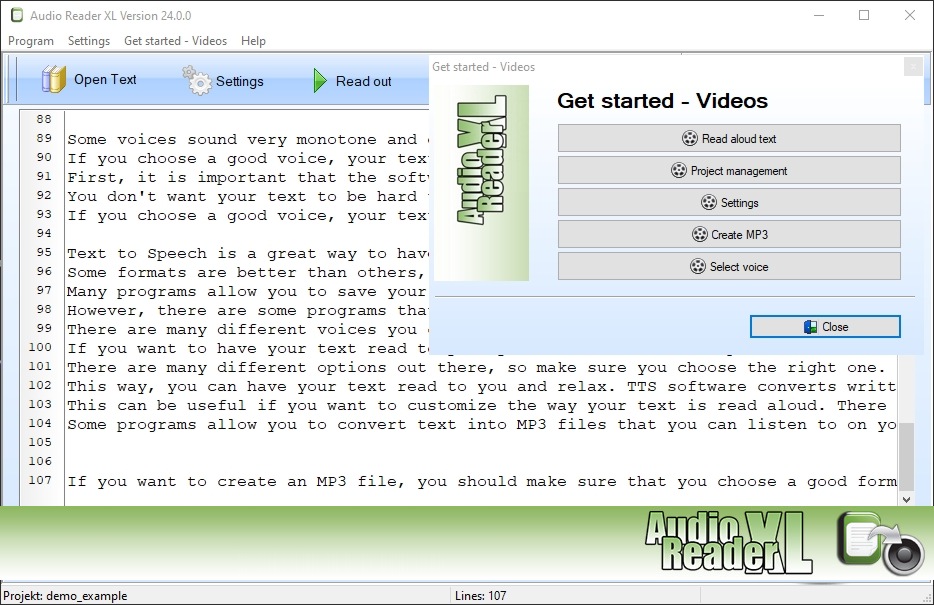 Product image: Text-to-speech reader
Copy, Paste, and Listen: Read Aloud from Clipboard with Text-to-Speech Reader
Easily copy and paste text into text-to-speech reader and listen to it being read aloud, making content consumption snap.
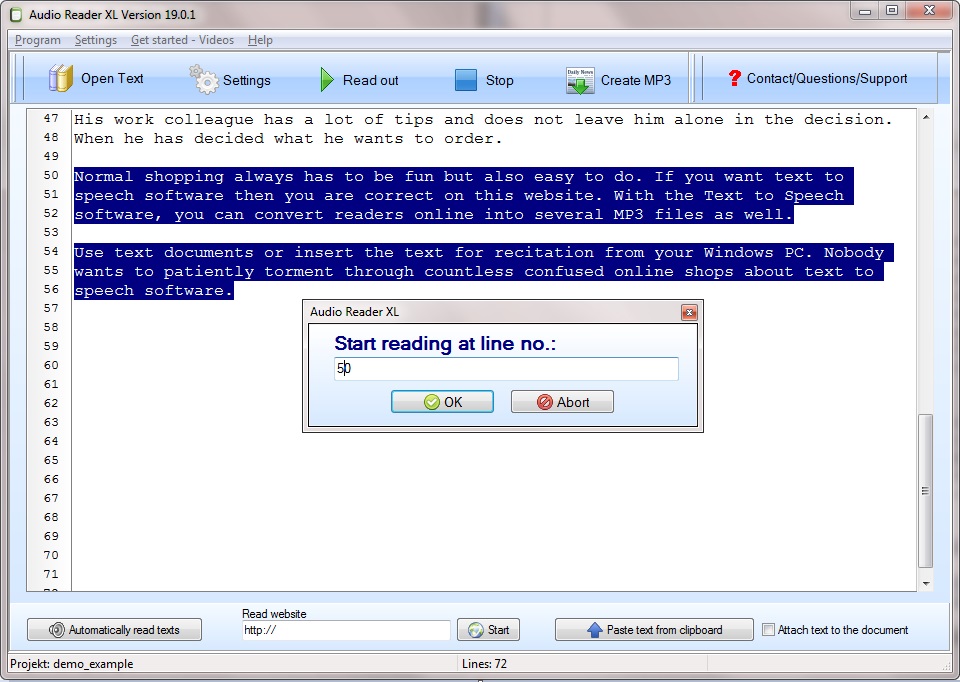
Text-to-speech reader is not only useful for reading out entire documents or web articles, but it also offers the convenient feature of reading aloud directly from your clipboard. The process is simple and straightforward. First, you need to select the text you want to hear and copy it to your clipboard. The software will automatically detect the text in your clipboard and start reading it out loud to you. This feature is especially useful if you need to listen to long passages of text or if you have difficulty reading smaller font sizes. It also allows you to multitask and have your computer read to you while you work on other tasks. You can adjust the speed and pitch of the voice, as well as choose from a variety of voices in different languages.
Perfect Your Pronunciation with Text-to-Speech Reader
Improve your pronunciation and language skills by using text-to-speech reader to listen to and emulate correct word pronunciations.
With its accurate and natural speech, the software can serve as a helpful tool for language learners or non-native speakers. By listening to how words and sentences are pronounced, you can easily learn the correct pronunciation and improve your own speaking skills. You can even choose to have the software highlight the words as they are spoken, making it easier for you to follow and learn. In addition, software to read text offers a pronunciation editor tool that allows you to input your own text and have it read out loud to you.
This is particularly useful for practicing specific words or phrases that you may struggle with. You can also record your own voice and compare it to the software’s pronunciation to further refine your skills. With our text-to-speech reader, you have a powerful tool at your disposal to perfect your pronunciation and enhance your language learning journey. So even if you are a student, a professional, or just someone looking to improve your language skills, this software can be a valuable resource for you.